

Disclosure: this article contains an affiliate link. If you buy through it, we may earn a commission.
Cold email outreach software handles the sending, the list building, and the warmup that keeps your messages out of spam. WarmySender is one tool that bundles all three: a 200M-contact B2B database, built-in email warmup, and Bounce Shield verification before every send. It’s aimed at small teams and solo senders who want one dashboard instead of three subscriptions.
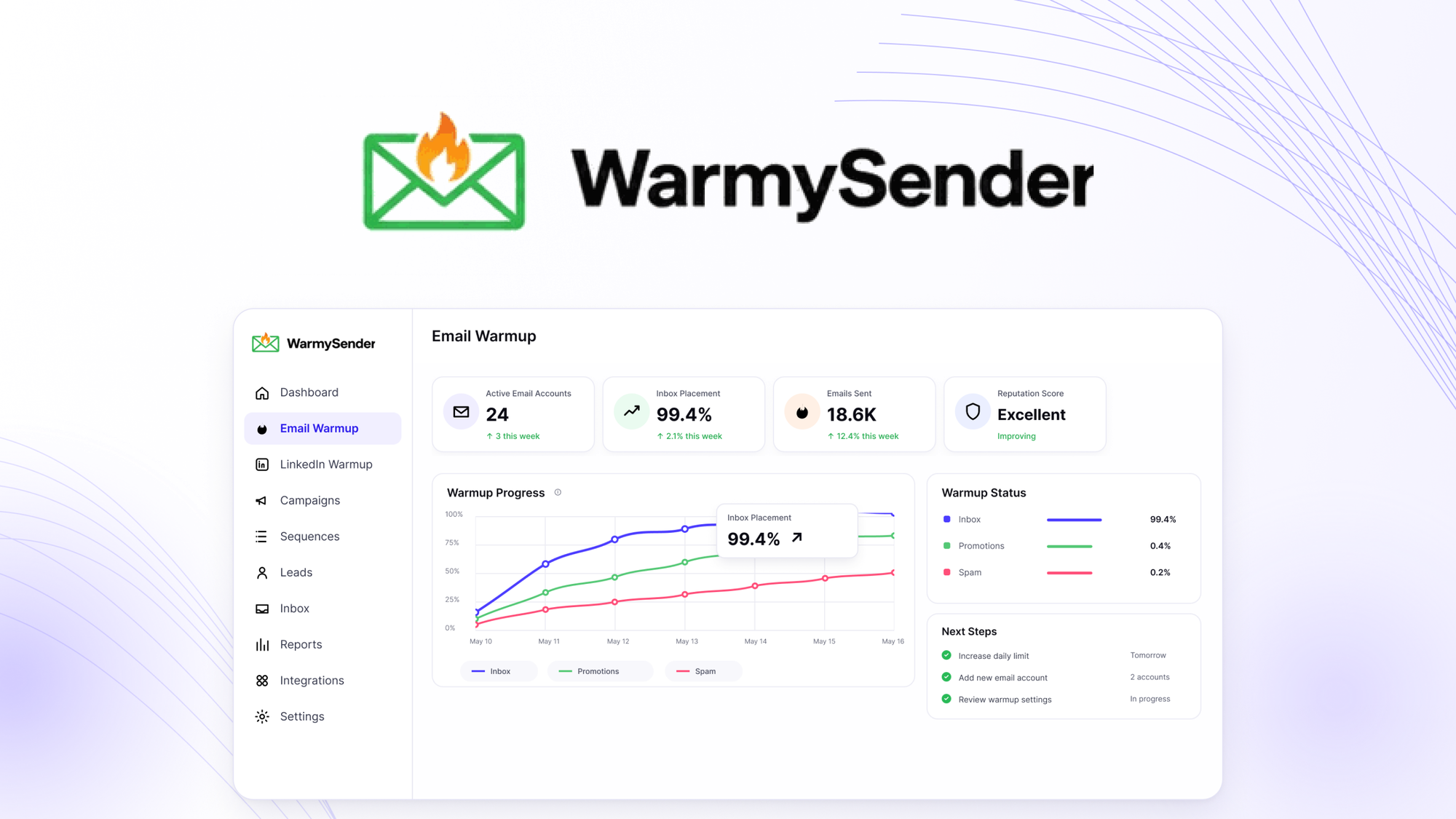
What cold email outreach software means

WarmySender is cold email software with warmup built into the same account you send from. You build a prospect list, put those contacts into a multi-step sequence, and the tool verifies each address before the message leaves.
That combination matters because most senders stitch together separate tools: one for finding leads, one for sending, one for warming up inboxes. Each handoff is a place where something breaks or a subscription quietly renews. WarmySender puts the three jobs in one place, which is the main reason people look at it.
It runs on lifetime access rather than a monthly plan, so you pay once and keep using it. For a small operation sending a few hundred emails a week, that structure removes the monthly bill math from the decision.
The Features That Change Your Daily Work
Each feature below does a specific job. Here’s what it means when you’re actually sitting at the screen.
The 200M-contact B2B database
You search the database from inside the tool instead of buying a separate lead list. When you find a match, you enroll that contact straight into a sequence — no CSV export, no re-import, no column mapping.
The practical gain is time. Building a list of 200 prospects by hand across three tools can eat an afternoon. Here it’s a search and a click.
A.H.D.E. warmup
New sending domains have no reputation, so mailbox providers treat their mail with suspicion. Warmup sends and receives real-looking mail between inboxes over time, which builds that reputation gradually.
A.H.D.E. is the name WarmySender gives its warmup system. The point for you: you don’t run a separate warmup tool alongside your sender, and you don’t manually send filler emails. You turn it on and let it run while you prepare your first campaign.
Tip: Start warmup on any new domain before your first real campaign. Sending cold mail from a brand-new address is the fastest way to land in spam.
Bounce Shield verification
Bounce Shield checks each address before the send goes out. Bad addresses get filtered, so they don’t bounce.
This matters more than it sounds. A high bounce rate tells mailbox providers you’re sending to lists you didn’t earn, and that reputation damage follows your domain around. Catching dead addresses before the send is cheaper than repairing the damage after.
Multi-step sequences
You write a series of emails and the tool sends them on a schedule. Follow-ups go out automatically to people who haven’t replied, and stop when someone does.
Most replies to cold email come from the second or third message, not the first. A sequence makes those follow-ups happen without you remembering to send them.
A-Z testing across 26 variants
You can test up to 26 versions of a message in one campaign. The tool spreads your contacts across the variants and shows which one performs.
This is more variants than most senders need. If you’re testing subject lines, a handful usually tells you enough. The 26-variant ceiling is useful when you’re testing longer copy or different offers side by side.
Unified inbox and team collaboration
Replies from every connected mailbox land in one inbox. If two people work the same campaign, they both see who has replied and who hasn’t, so nobody gets a duplicate answer.
How Long Before You Can Send Your First Campaign?

Warmup takes time, and there’s no way around it. A new domain needs a gradual build before it can carry cold mail safely, and rushing that step is what undoes the rest.
| What you’re starting with | Warmup before first campaign | Why |
|---|---|---|
| Brand-new domain | Longer build, starting with small daily volume | No sending history at all |
| Domain with some past sending | Shorter build | Some reputation already exists |
| Established domain, new mailbox | Short build on the new mailbox | The domain carries the trust |
Treat the warmup period as your setup window. Build your list, write your sequence, and test your variants while it runs.
Who WarmySender Suits, and Who It Doesn’t
It suits a solo founder, a freelancer, or a small sales team that wants one tool for leads, sending, and warmup — and prefers paying once over a recurring bill. If you’re already paying for a lead database and a separate warmup service, consolidating into one account is the clear win.
It doesn’t suit you if you already run a mature stack you’re happy with. Switching costs time, and a working setup has value. It’s also not for anyone sending high-volume mail where deliverability depends on infrastructure you’ve tuned yourself over years.
If you send under a few hundred cold emails a week and you’re doing it from a spreadsheet, this is the gap it fills.
What to Check Before You Buy

Confirm that your sending domain and mailboxes can be connected to the tool, since the whole system depends on sending from your own addresses. Check how many mailboxes you can connect, because that number sets your daily ceiling.
Ask what happens to your data if you stop using it, and whether your prospect lists stay exportable. Since the facts here don’t cover support terms or response times, ask directly before you commit.
Warmup and verification improve your odds, but they don’t rescue bad copy aimed at the wrong people. The tool handles the plumbing. What you write still decides whether anyone replies.
Tip: Before buying any cold email tool, send yourself a test message from the account you plan to connect. If it lands in your spam folder, fix that first.
Frequently Asked Questions
Is cold email legal in the US?
Yes, with conditions. The CAN-SPAM Act, enforced by the Federal Trade Commission, requires an accurate subject line, a real physical address in the message, and a working way for people to opt out. Rules differ in other countries, so check your own before sending.
Do I need warmup if my domain is already a few years old?
Usually yes, but for a shorter period. An older domain carries some reputation, so warmup builds faster than on a brand-new one. A newly created mailbox on that domain still needs its own warmup, because the mailbox itself has no sending history.
Can I send cold email from my main business address?
It’s risky. If deliverability problems hit that address, your normal business mail goes down with it. Most senders keep cold outreach on a separate domain so the main one stays clean.
What happens if I skip address verification?
More of your mail bounces. Mailbox providers watch bounce rates closely, and a spike tells them your list is poor quality. That reputation damage affects every future send from the same domain, not just the campaign that caused it.
How many emails can I send per day?
It depends on how many mailboxes you connect and how long they’ve been warming up. There’s no single safe number that fits every setup. Start lower than you think you need, watch your bounce and reply rates, and raise the volume slowly.
Is a lifetime license better than a monthly plan?
It depends on how long you’ll keep sending. A lifetime license pays off if you plan to run outreach for years. A monthly plan makes more sense if you’re testing cold email as a channel and might stop in a few months.
The Verdict
WarmySender fits a small team or solo sender who wants lead search, sequences, and warmup in one account without a monthly bill.
If that’s your situation, try WarmySender and start warmup on day one — then build your first sequence while it runs.
The one case where it stops fitting: you need a dialer, a shared inbox with role-based permissions, or a CRM your whole company already lives in. Then the money you save on the subscription goes straight into stitching tools together, and you lose more hours than you saved.
If you send under a few hundred emails a day and nobody else touches your pipeline, the single account is the whole point.