

Disclosure: this article contains an affiliate link. If you buy through it, we may earn a commission.
Hedy AI pricing is currently structured as a lifetime access model, meaning you pay once to use the software without recurring monthly or annual subscription fees. This approach allows users to secure permanent access to the platform’s AI-powered coaching and meeting assistance features through a single purchase rather than ongoing payments.
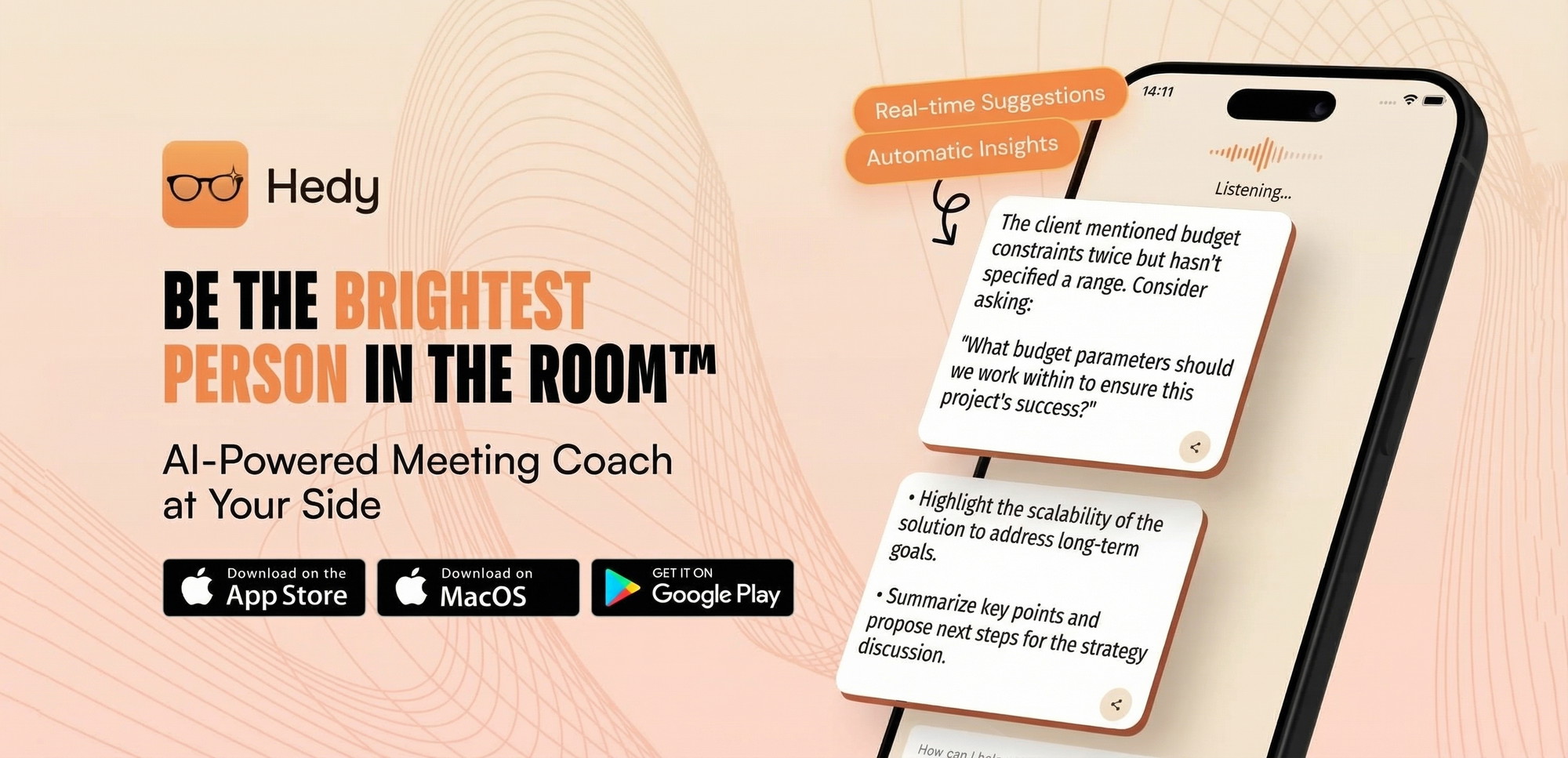
Hedy AI pricing and lifetime value

When you buy a tool with a lifetime access model, you’re essentially pre-paying for the software’s current capabilities for as long as the service remains operational. This differs from standard SaaS models where you might pay a monthly fee to keep your account active. Because Hedy AI provides professional conversation coaching and automated meeting notes, this payment structure is designed for users who want to avoid the cumulative cost of long-term subscriptions.
Before you decide to purchase, you should consider your long-term needs for AI note-taking tools. If you’re someone who frequently switches between different software platforms to find the latest features, a lifetime license might not provide the same flexibility as a month-to-month subscription. However, if you prefer to set up your workflow once and keep it consistent, the one-time payment structure provides a clear path to ownership.
Key Features for Professional Conversations
The platform functions as an AI-powered assistant intended to help you navigate complex professional discussions. Understanding how these features impact your daily work will help you determine if the tool matches your professional requirements.
Proactive AI Coaching and Suggestions
The core of the system is its ability to provide real-time guidance during your calls. Instead of just transcribing what is said, the AI offers automatic suggestions based on the flow of the conversation. This means you receive prompts or reminders that might help you keep the discussion on track or ensure you cover all necessary points. In a high-stakes meeting, having a digital assistant that suggests topics or follow-up questions can reduce the mental load of managing the conversation while trying to stay present.
Automatic Prep Notes
Preparation is often the most time-consuming part of a professional meeting. The platform generates automatic prep notes, which help you walk into a call with a clear agenda and context. By summarizing the background of a project or the goals of a meeting before it starts, you spend less time gathering information and more time focusing on the interaction itself. This feature is particularly useful for professionals who handle multiple clients or projects throughout the day and need a quick way to switch context.
Cross-Session Chat
Professional relationships are built over time, not just in single meetings. The cross-session chat feature allows you to maintain context across different calls. If you discuss a project with a colleague on Monday, the AI retains that context for your follow-up meeting on Wednesday. This ensures that you don’t have to manually summarize previous discussions or hunt through your notes to remind yourself of what was agreed upon earlier in the week.
Multi-Platform and Multi-Language Support
The software works across a variety of devices, including iOS, Android, Mac, Windows, and the web. It also supports over 30 languages, which makes it a versatile tool if you work in international teams or with clients who speak different languages. The inclusion of Apple Watch support is a specific detail for professionals who need to glance at their notes or coaching prompts without looking away from their primary display.
Who Should Consider This Tool

This platform is well-suited for professionals who spend a large portion of their day in meetings and need help staying organized. If you find that you struggle to remember specific details from calls or often feel that your meeting notes are incomplete, the AI-driven approach can bridge that gap.
It’s also a strong choice for those who are interested in improving their communication skills. By providing proactive coaching, the tool acts as a silent partner that can help you phrase things more effectively or remember to bring up critical topics that might otherwise be forgotten.
Conversely, this might not be the right fit if you require highly specialized integrations with niche project management software that the platform doesn’t currently support. You should check the official documentation to confirm that it works with your current email, calendar, or CRM tools, as this is a common requirement for many office workflows.
How to Assess Your Needs Before Buying
Before completing a purchase, you should map out your typical meeting volume. If you only attend one or two meetings per month, the value proposition of a lifetime license may take longer to realize compared to a power user who holds five to ten meetings every day.
Tip: Review your calendar from the past month to see how many hours you spend in meetings, as this will give you a realistic idea of how often you’ll use the AI assistant.
Consider the following table to help you align your professional habits with the tool’s capabilities:
| Feature | Primary Benefit | Ideal User |
|---|---|---|
| Automatic Prep Notes | Saves time before meetings | Project managers |
| Proactive Coaching | Improves call outcomes | Sales professionals |
| Cross-Session Chat | Maintains project context | Client relationship managers |
| Multi-Language | Bridges communication gaps | International team members |
Important Considerations for Buyers
Every software tool has limits, and it’s important to be aware of what you’re buying. Because this is a digital service, you’re relying on the developer to maintain the infrastructure that supports the AI processing. While lifetime access is a popular model, it’s always wise to ensure that the company’s stated goals align with your own expectations for tool longevity.
You should also verify that the hardware requirements match your current setup. While it supports most major operating systems, ensure your devices meet the minimum requirements for stable performance. Software developers often provide detailed system specifications on their official website, which are essential for ensuring a smooth user experience. According to the Federal Trade Commission, clear communication regarding the nature of a product’s offer is a standard expectation in digital commerce.
Frequently Asked Questions

Does the lifetime access include all future updates?
Lifetime access generally covers the core features provided at the time of purchase. While software platforms often release updates, you should verify if the license includes major version upgrades or if those require a separate purchase. Most lifetime deals focus on the current feature set and ongoing service maintenance for the account holder.
Can I use the software on multiple devices?
Yes, the platform is designed to work across iOS, Android, Mac, Windows, and the web. You can typically log in to your account from these various devices to access your notes and coaching history. This makes it convenient if you switch between a mobile phone during travel and a desktop computer while in the office.
Is my meeting data kept private?
Data privacy is a standard concern for any AI tool that processes professional conversations. You should review the developer’s specific privacy policy to understand how your meeting recordings and notes are stored, encrypted, and processed by the AI. This information is usually found in the terms of service section on the official website.
What happens if the service is discontinued?
A lifetime license is tied to the continued operation of the service. If the platform ceases operations, the software functionality would be affected. This is a common factor to consider with any lifetime software purchase, as the value is realized through the continued availability and support provided by the company over time.
Does it integrate with my existing calendar?
The platform is designed to assist with professional conversations, which often requires calendar access to automatically prepare for meetings. Check the official product page to see if it links directly to your calendar provider, such as Google Calendar or Outlook, as this automation is what powers the prep notes and meeting tracking.
What languages are supported by the AI?
The platform supports over 30 languages to accommodate various international business contexts. You should verify that your specific language pairs are included in the supported list before purchasing, as this ensures the AI provides accurate coaching and transcription for your meetings.
Final Thoughts
If you’re ready to streamline your meetings, it’s a great time to explore their website and see if the platform fits your workflow. You shouldn’t hesitate to reach out to their support team if you’ve got questions. Taking this step today will help you decide if it’s the right long-term investment.