

Disclosure: this article contains an affiliate link. If you buy through it, we may earn a commission.
A Hedy AI review shows this tool is an AI-powered assistant designed to help you navigate professional conversations with more confidence. It acts as a digital companion that provides real-time coaching, summarizes discussion topics, and offers preparation notes across various devices. You can use it to stay organized during meetings and track important points without needing to manually write down every detail.
What Does Hedy AI Actually Do?
This tool functions as an intelligent layer between you and your professional interactions. Instead of just recording audio, it processes the flow of a conversation to provide active guidance. It aims to reduce the mental load of keeping track of multiple discussion threads while you’re busy speaking or listening.
The core technology uses automated systems to identify key themes as they emerge. When you’re in a meeting, the software doesn’t just sit idle; it generates suggestions meant to help you steer the conversation in a productive direction. This is helpful if you often find yourself losing track of your main goals when a discussion becomes complex or moves quickly.
How Automatic Suggestions Work
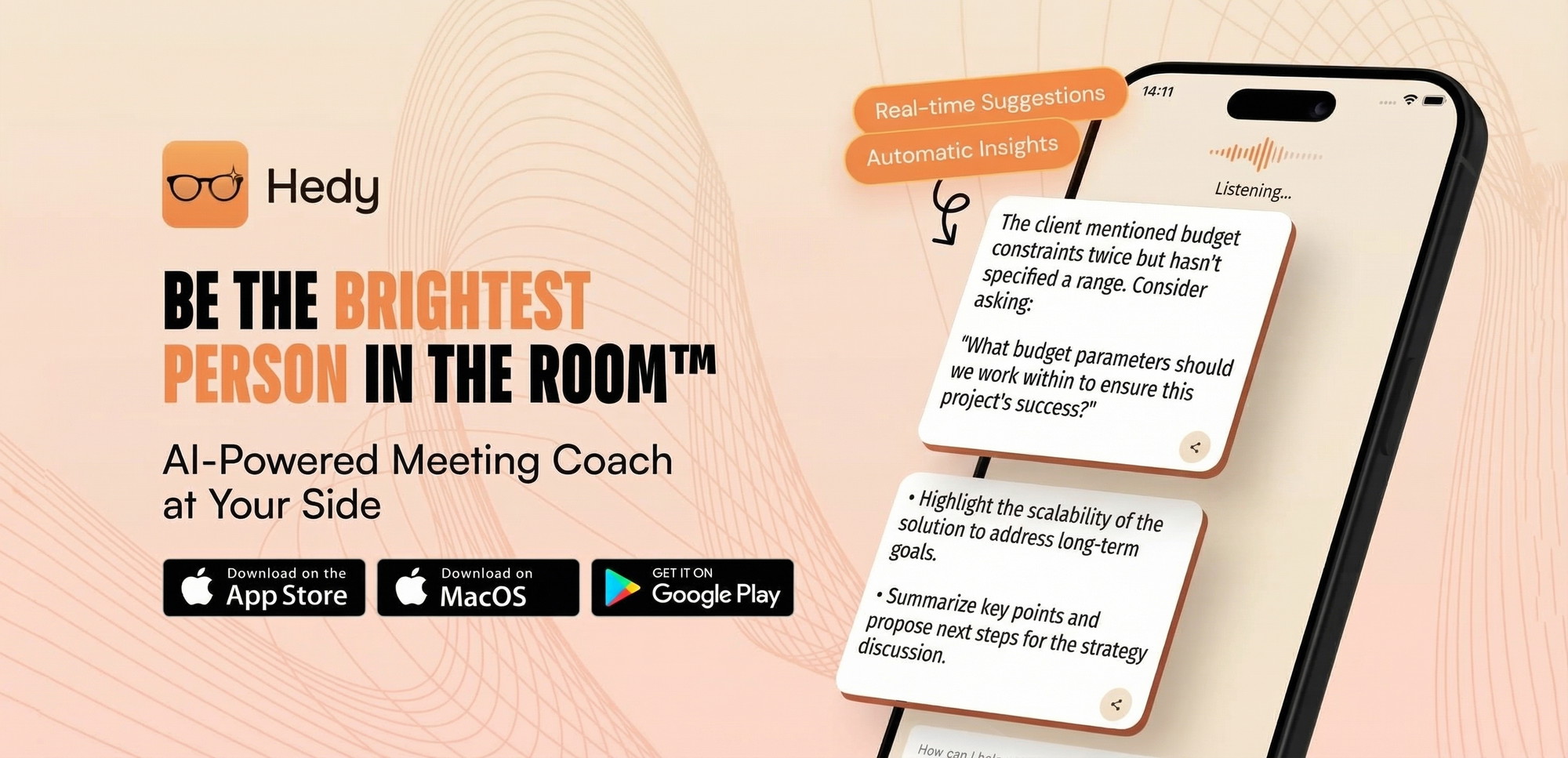
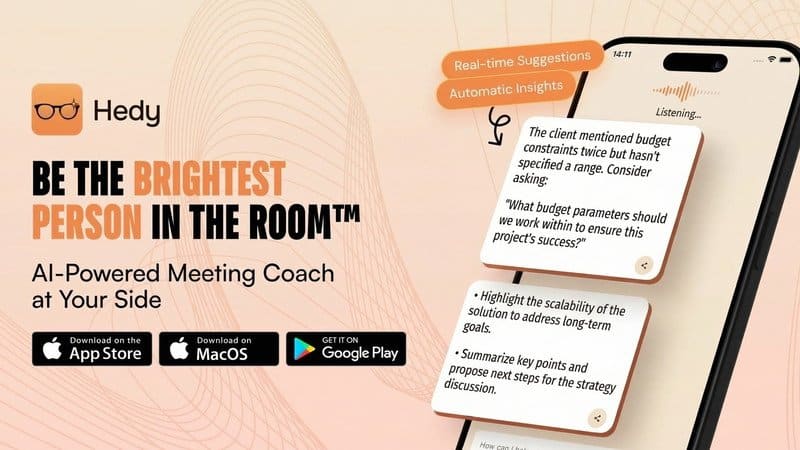
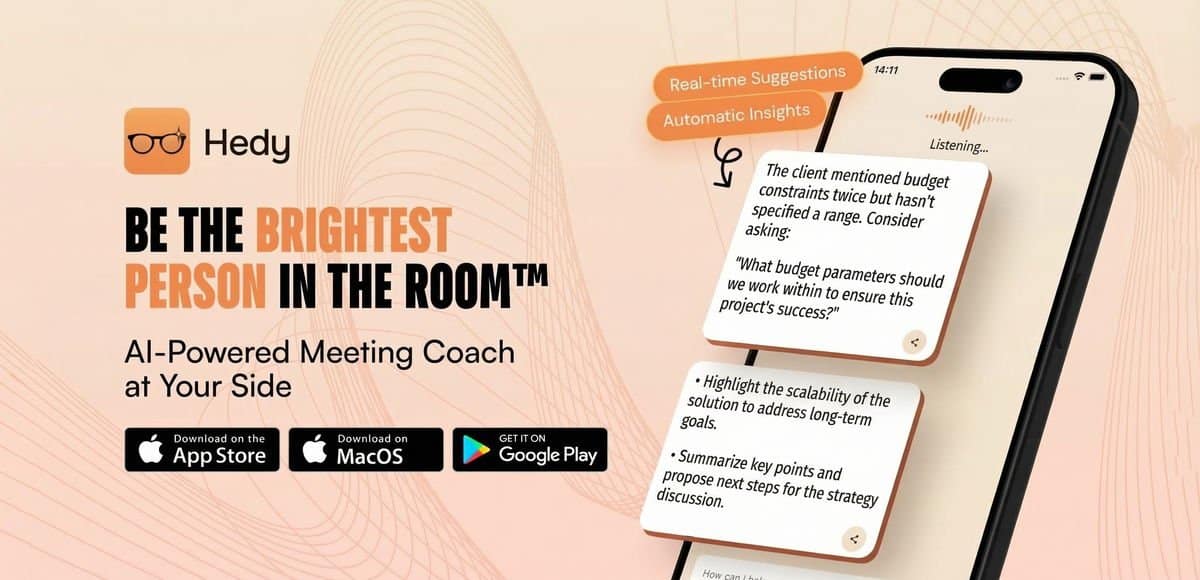
The automatic suggestions feature is the main part of its coaching system. During a call or meeting, the system analyzes the context of what is being said and displays prompts on your screen. These prompts might suggest a follow-up question or a way to summarize a point that was just made.
It works by tracking the patterns of your dialogue. If you’re prone to forgetting to ask for a specific piece of information, the software can provide a nudge. This keeps you focused on your objectives rather than scrambling to remember your agenda items.
Managing Topics and Prep Notes
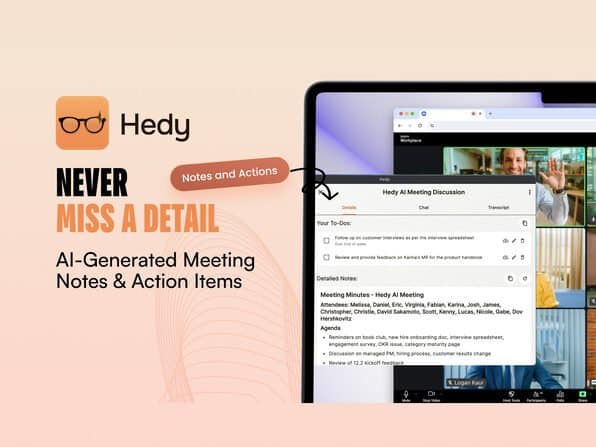
Preparation is often where professionals lose the most time. The system creates automatic prep notes before your meetings begin. These notes are derived from your previous interactions and the context of the calendar event you’re attending.
By keeping a record of past discussions, the tool allows you to pull up relevant information from weeks or months ago. This cross-session chat capability means you don’t have to hunt through old emails or scattered notebooks to find a specific decision or commitment made in a previous conversation. It connects the dots between separate meetings, making it easier to maintain continuity in long-term projects.
Tip: Review your automatic prep notes five minutes before your meeting starts to ensure you have the key talking points ready for the conversation.
Who Is This Tool Built For?
This software is designed for professionals who spend a large portion of their day in meetings and need a way to keep their thoughts organized. It’s particularly useful for people who manage complex projects or work in roles that require constant communication with multiple stakeholders.
If you’re a manager, a consultant, or a project lead, you might find the real-time coaching aspect helpful. It provides a structured way to ensure you don’t miss critical feedback or action items. Because it works across different platforms, it suits users who switch between a laptop, a tablet, and a phone throughout the work day.
It’s likely not the right fit for someone who works primarily in isolation or whose tasks don’t involve frequent verbal communication. If your daily work consists mostly of deep-focus tasks like coding, writing, or design, the coaching features may become a distraction rather than a benefit.
Compatibility and Language Support
The tool is built to be accessible across a wide range of hardware. You can use it on iOS and Android devices, which makes it useful for people who take meetings while on the move. It also runs on Mac and Windows, though the Windows version is currently in beta.
For international teams, the support for over 30 languages is a significant feature. It allows the AI to parse and coach during conversations that happen in languages other than English. You should check if your specific regional dialect or language is fully supported by the current version before committing to a long-term workflow.
| Device/Platform | Current Status |
|---|---|
| iOS | Fully Supported |
| Android | Fully Supported |
| Mac | Fully Supported |
| Windows | Beta Version |
| Apple Watch | Fully Supported |
Hedy AI Review: Important Considerations Before You Buy
Before you decide to use this tool, verify that its features align with your specific privacy and security needs. Professional conversations often involve sensitive data, and you should ensure that your organization allows the use of AI-based transcription and coaching tools. Most modern businesses have specific policies regarding data handling for artificial intelligence tools that record or process workplace communication.
You should also consider your own comfort level with AI interventions. Some people find real-time suggestions helpful, while others may find them intrusive during a high-stakes negotiation or a sensitive one-on-one meeting. Since the software offers lifetime access, you’re making a long-term commitment to the platform. It’s wise to test the interface on the specific devices you use most often to ensure the screen layout doesn’t interfere with your ability to read your notes or focus on your video call window.
Common Mistakes Users Make
One common error is relying entirely on the software to capture every nuance of a conversation. While the tool is advanced, it can’t replace your active listening skills or your professional judgment. If you stop paying attention to the human element of the meeting because you’re focused on the AI prompts, you might miss non-verbal cues or subtle emotional shifts in the room.
Another mistake is failing to organize your calendar correctly. The software relies on the context provided by your calendar events to generate accurate prep notes. If your calendar entries are vague or missing key details, the AI won’t have enough information to offer relevant coaching. Always spend a few seconds ensuring your meeting titles and descriptions are descriptive so the system can provide the best possible support.
Related guides
Frequently Asked Questions
Does the software work during phone calls?
Yes, it’s designed to function on iOS and Android devices, which allows it to assist during mobile calls. You should ensure that your phone’s permissions allow the app to access your microphone and overlay prompts on your screen, otherwise, the coaching features may not appear while you’re actively talking.
Can I use this for offline meetings?
It’s primarily built for digital meetings and calls where it can capture audio directly. If you’re in a physical, in-person meeting, the tool may struggle to separate voices and provide accurate coaching unless you have a high-quality microphone setup that can isolate your voice from the background noise of the room.
How does the cross-session chat work?
The system stores information from your past meetings to create a searchable history. You can ask the chat interface for details from previous interactions, and it will pull data from those past sessions to answer your questions. This helps you remember specific promises or project updates without searching through old transcripts manually.
Is the Windows version stable?
The Windows version is currently in beta. This means you may encounter occasional bugs or performance issues that aren’t present on the more established Mac or mobile versions. If your work depends heavily on stability, you might prefer using the web-based version or the mobile app until the Windows release moves out of its beta phase.
What happens if I change my device?
Since the software is designed to work across multiple platforms, your account and data should sync between your devices. You can start a meeting on your Mac and reference your notes on your Apple Watch or phone. Always check that you’re signed into the same account on all devices to ensure your history remains consistent.
Hedy AI is a reliable tool for professionals who manage complex meetings and need to track discussions and action items.
Final Thoughts
If you’re ready to stop feeling anxious before your next big call, give the free trial a shot today. You’ll quickly see how having a personal coach in your corner changes the way you communicate. It’s a simple shift that’ll help you speak with clarity and keep your professional relationships growing strong.