

Disclosure: this article contains an affiliate link. If you buy through it, we may earn a commission.
OkaySend is a client management tool that lets you collect documents and information from clients through a secure portal they don’t have to log into. You set up a structured intake, send the link, and the files come back organized instead of scattered across your inbox. It suits freelancers and small teams who chase paperwork every week, and it’s less useful if you already run a full client portal or only need one document once.
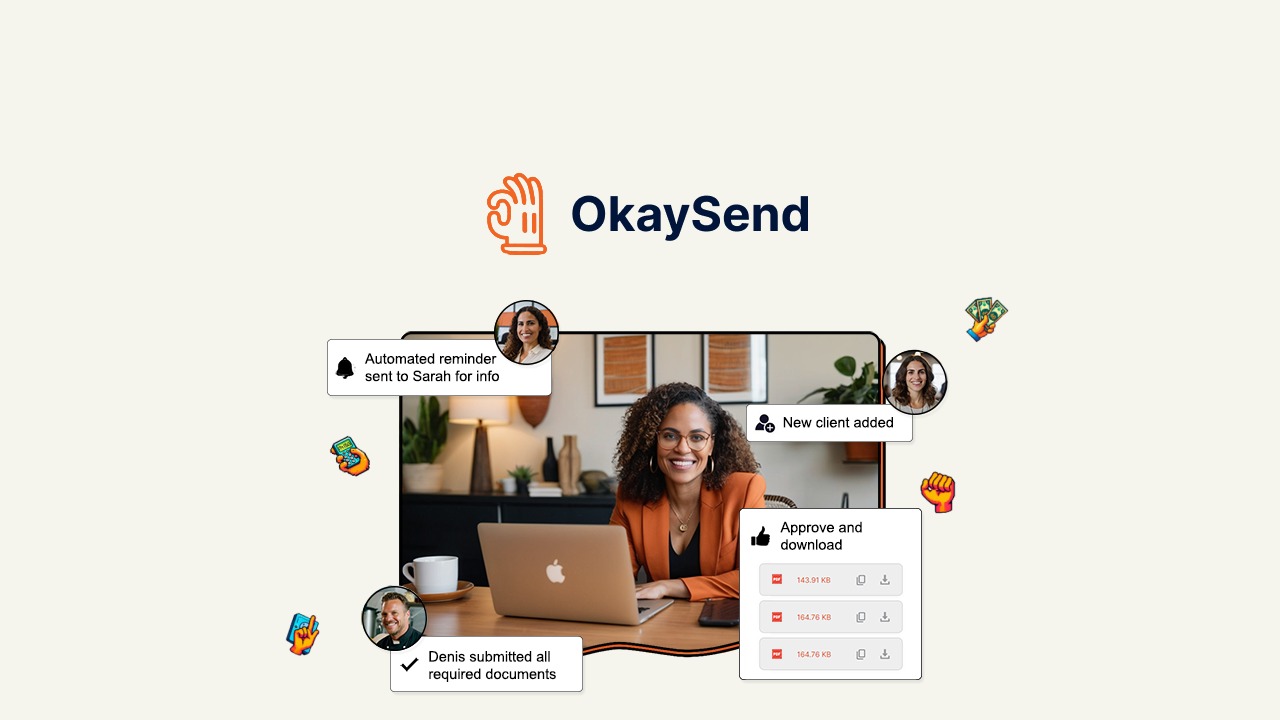
What OkaySend does in this review

It replaces the email chain that starts with “please send me your ID and last two statements” and ends three weeks later with four attachments, two of them the wrong file. You build one intake with the fields and files you need, then share a link.
Your client opens that link and uploads what you asked for. They don’t create an account, don’t pick a password, and don’t get stuck resetting anything. That single design choice is the main reason the tool works for people who deal with non-technical clients.
The documents land with you in a structured set, not as loose attachments. You approve what comes in through a response approval system, so nothing enters your records until you say it’s correct.
A link can carry an expiry date and a cap on how many times it can be used, so a request sent to one person doesn’t stay open forever. If you’re collecting from a single client, set a short window and a single use. If you’re gathering from a group, leave it open longer and watch the list fill.
The mistake is sending the link before you have decided which fields are required. Every optional field you add is one more thing a client can skip, and skipped fields are what send you back to email.
The Features That Matter in Daily Use
Structured Intakes Instead of Endless Emails
A structured intake means you decide up front what you need: which questions get answered, which documents get uploaded, in what order. The client sees a form, not a blank reply box. This is where most of the time savings come from, because a blank box invites partial answers and follow-up questions.
No-Login Client Portals
Your client clicks a link and starts. For an accountant collecting tax papers in April, or a consultant collecting a signed contract, that difference decides whether the document arrives today or after two reminder emails. Older clients in particular tend to abandon anything that asks them to register.
The Response Approval System
Submissions wait for your review before you accept them. If a client uploads a blurry photo of a passport or the wrong bank statement, you can reject that item and ask again without losing the rest of what they sent.
Pre-Made Templates
Templates give you a starting point instead of building every intake from scratch. If you collect the same set of documents from every new client, a template saves you the setup each time and keeps your requests consistent across clients.
Tamper-Proof Seal and Encryption
A tamper-proof seal means you can tell whether a document was altered after it was submitted. Data encryption protects files while they’re stored and moving. Both matter most when the documents are contracts, IDs, or financial records that someone might later question.
Tip: Decide your intake fields before you send the first link. Adding a request later means asking the client twice, which is exactly the back-and-forth you’re trying to remove.
Who OkaySend Suits, and Who It Doesn’t

| Your situation | OkaySend fits? | Why |
|---|---|---|
| Freelancer collecting IDs, contracts, or statements from clients | Yes | No-login links remove the main reason clients delay |
| Small firm onboarding new clients every week | Yes | Templates and structured intakes keep requests consistent |
| You only need one document from one person, once | No | A single email attachment does the same job |
| You already run a portal clients log into for everything | Probably not | You’d be adding a second place to check |
| You need clients to sign in and see project history | No | Portals here are built for document collection, not ongoing client access |
The catch is this: OkaySend handles collecting and approving documents. It isn’t a project tracker, an invoicing tool, or a place where clients log in to follow progress. If your work needs those things in the same screen, you’ll be running two tools side by side.
What to Check Before You Buy
Confirm how the lifetime access works, since that term can mean different things from different sellers. Check what happens to documents you’ve already collected if you stop using the tool, and whether you can export them in a format you can open elsewhere.
Look at the templates and ask whether they match the documents you actually collect. A template for tax paperwork won’t help a photographer collecting model releases. Also check how the approval step fits your workflow: if you need submissions to go straight into your records with no review, that extra click is a trade-off you should know about first.
If your clients work in a language other than English, or your industry has rules about where client data is stored, that’s the one place this article can’t settle it for you. Ask the seller directly before you pay.
How OkaySend Compares to Chasing Documents by Email

The trade-off is simple. With email, you give up nothing to set up and you pay in follow-ups, misnamed files, and searching your inbox months later for a document you know you received. With a collection tool, you spend time building the intake once and get a predictable set of files back.
The mistake people make with tools like this is sending the link before the intake is finished. The client submits what they think you want, you realize you needed one more document, and now you’re emailing anyway. That costs you the exact benefit you bought the tool for.
Tip: Send the link with one line explaining what you need and why. Clients submit faster when they know the request is normal, not suspicious.
Related guides
- Web Hosting For Ecommerce – Secure & Scalable
- E-Commerce Hosting Solutions – Secure & Reliable
- Secure Website Hosting: Protect Your Online Presence
Frequently Asked Questions
Do my clients need to create an account?
No. Clients open the link and upload their documents without registering or setting a password. That’s the main reason it works with people who avoid new apps, and it also means you can’t rely on the portal to give clients a history of past submissions.
Is it safe to collect ID documents through OkaySend?
The tool encrypts data and applies a tamper-proof seal to submissions. Those two features cover the main risks with client documents: interception while files move, and later disputes about whether a document was changed. For industry-specific retention rules, check the rules that apply to your own field.
Can I use it if I collect the same documents from every client?
Yes, and that’s where pre-made templates help most. Build the intake once, save it as a template, and reuse it for each new client instead of rebuilding the request. You still review each submission through the approval step before accepting it.
What happens if a client sends the wrong document?
You review submissions before they’re accepted, so you can reject an item and ask for it again. The rest of what the client sent stays in place, which means they only redo the one piece that was wrong rather than the whole intake.
Is OkaySend a full client management system?
No. It focuses on collecting documents and information securely. It doesn’t handle invoicing, project tracking, or ongoing client communication. If you need those, you’ll pair it with the tools you already use rather than replacing them.
Can I try it before committing?
Lifetime access is the model, so the decision is a one-time one rather than a subscription you can pause. Before buying, confirm the details with the seller directly, especially how long your collected documents stay accessible and how you’d export them if you ever stop using it.
Conclusion
If you regularly lose hours to chasing client paperwork, OkaySend is worth a look for the no-login portal and the approval step alone. Start by building one intake for the documents you request most often, send it to your next new client, and see whether the follow-up emails disappear.