

Disclosure: this article contains an affiliate link. If you buy through it, we may earn a commission.
If you’re looking for SocialBu alternatives, you need tools that help you schedule posts, monitor analytics, and manage multiple social media accounts from one place. These platforms allow you to organize your content calendar, import files in bulk, and recycle evergreen posts across various channels. Choosing the right software depends on how many brands you manage, which specific social networks you use, and whether you need deep reporting or simple scheduling tools.
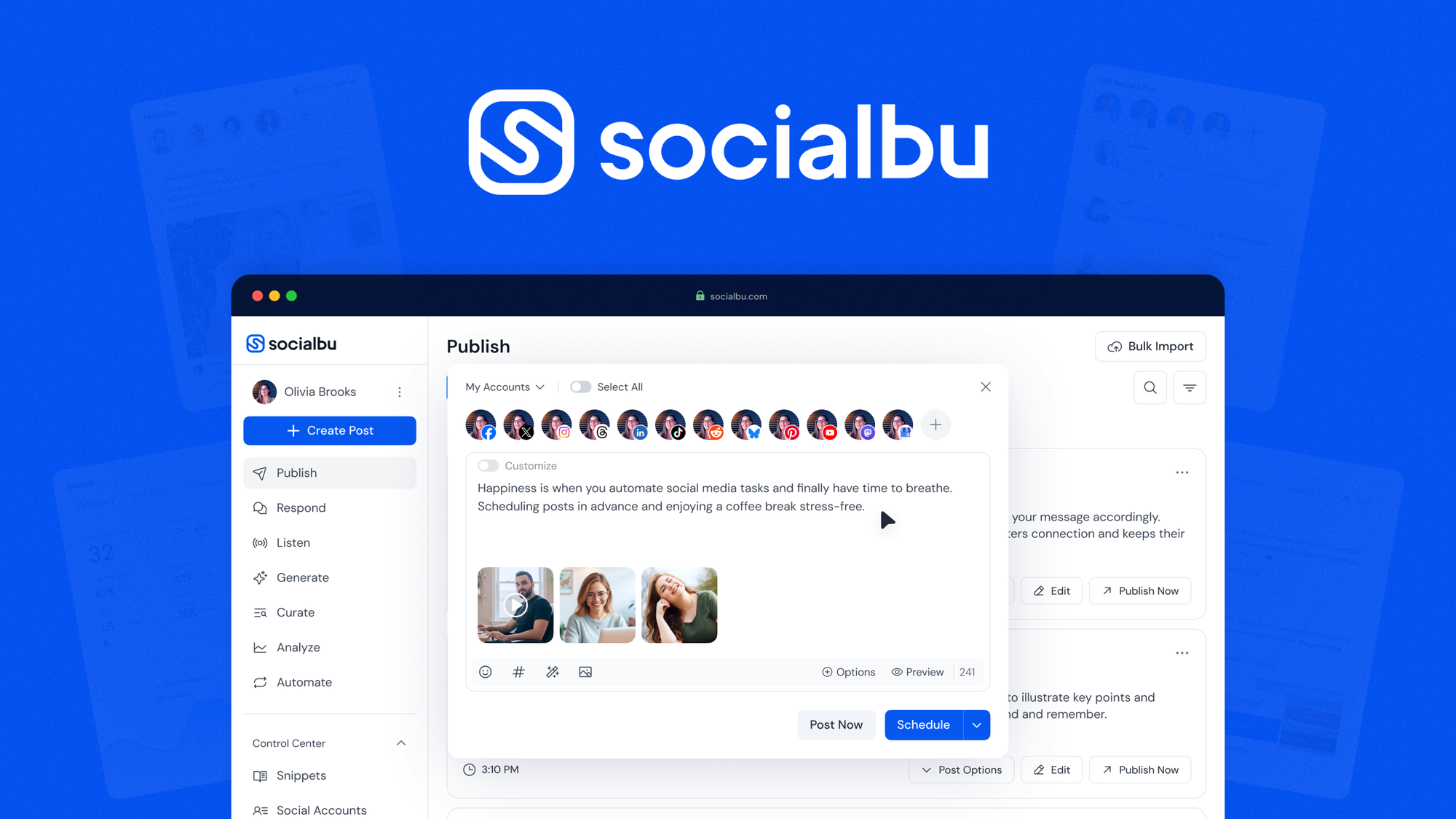
Best alternatives to SocialBu

When you compare different services, look at how many platforms they support and if they offer features like bulk importing or content recycling. While some tools focus on simplicity, others provide advanced analytics to help you see what content performs best with your audience.
If your team manages more than three accounts, prioritize tools with a centralized dashboard that allows for cross-platform publishing in a single click. This prevents the common mistake of manual cross-posting, which often leads to inconsistent formatting and broken link previews.
Choose based on your reporting needs. If you require client-facing, white-labeled PDF reports, skip the entry-level plans and move directly to enterprise tiers. If you only need to track engagement metrics for internal review, basic analytics will suffice and save you roughly 40% in monthly subscription costs.
| Feature | Scheduling Capability | Analytics Focus | Bulk Import | Multi-Brand Support |
|---|---|---|---|---|
| SocialBu | Yes (12+ platforms) | Yes (Built-in) | Yes | Yes |
| Buffer | Yes (Major platforms) | Yes (Basic/Pro) | Yes | Yes |
| Hootsuite | Yes (Major platforms) | Yes (Advanced) | Yes | Yes |
| Zoho Social | Yes (Major platforms) | Yes (Detailed) | Yes | Yes |
What to Consider Before Switching
Before you choose an alternative, think about how you currently handle your social media workflow. If you rely on specific integrations like Google Drive to pull in images or videos, ensure your new choice supports that connection. Some platforms limit the number of social profiles you can add on lower-tier plans, which might affect your ability to manage multiple brands effectively.
It’s helpful to check if a service offers a way to recycle content. This feature lets you reuse your best-performing posts automatically, saving you from writing new updates constantly. If you manage a high volume of posts, look for a tool that handles bulk scheduling smoothly so you don’t have to upload items one by one.
Does the Tool Support Your Platforms?
Not every social media manager works with every platform. Before you sign up, confirm that the service supports the exact networks you use. Some tools prioritize professional networks like LinkedIn, while others are built for visual-heavy sites like Instagram or Pinterest. If you manage 12 or more channels, you need to ensure the dashboard can handle that scale without slowing down or becoming too cluttered to use.
Is the Analytical Data Useful for You?
Analytics help you understand if your strategy is working. A good tool should show you metrics like engagement rates, reach, and follower growth. If you’re a solo user or a small business, simple charts might be enough. Larger teams might require detailed reports that can be exported to share with stakeholders. Look for a dashboard that presents data in a way you can actually understand and act on.
Why Some Users Look for Alternatives

People often seek alternatives when their current tool changes its pricing structure or stops supporting a specific platform they need. A sudden shift to a seat-based billing model, for instance, can render a tool cost-prohibitive for small agencies that previously thrived on flat-rate subscriptions.
Sometimes, a user outgrows a simple scheduler and needs advanced collaboration features, like complex team workflows or multi-stage approval processes. If your current tool lacks a native audit trail for edits, you’re likely losing hours to manual email confirmation chains.
Other times, the interface feels bloated, leading users to search for intuitive designs that shorten the path to completion. If you spend more than three minutes navigating menus to publish a single post, the tool is working against your productivity.
Start by listing the three features you use most in your current workflow. Use that list as your primary filter when testing new software.
Is It Safe to Use Third-Party Schedulers?

Yes, it’s generally safe to use third-party social media management tools as long as they follow the official guidelines set by the social networks themselves. These platforms use secure tokens to post on your behalf, meaning they don’t usually require your actual password once the connection is established. Always check that the tool you choose is an official partner of the platforms you use to ensure your account remains compliant with Meta Business Help Center policies regarding automated posting.
How Many Brands Can You Manage?
Many tools offer tiered plans based on the number of brands or profiles you add. If you manage multiple businesses, verify if the tool allows you to keep them in separate workspaces. This prevents you from accidentally posting content to the wrong account. Some platforms charge a flat fee for a set number of profiles, while others scale the cost as you add more brands to your dashboard.
What Happens to Your Data if You Cancel?
If you decide to switch tools, you might lose access to your past analytics or scheduled content. Most services don’t keep your data indefinitely after a subscription ends. Before you cancel, export your reports and save your content calendar as a backup. This ensures that you have a record of your past performance and your upcoming schedule in case you need to reference them later.
Related guides
- Social Media Content Creation: Boost Engagement and Reach
- Compelling Social Media Visuals: Boost Engagement with Stunning Designs
- Followr Review: Unveiling the Ultimate Social Media Growth Tool
Frequently Asked Questions
Can I migrate my scheduled posts from one tool to another?
Most tools don’t have a direct “import” button for scheduled posts from other services. You’ll likely need to export your current schedule as a file, such as a CSV, and then upload that file into the new tool’s bulk import section to set up your posts again.
Do these tools work with all social media platforms?
No, support varies by service. While some tools connect to 12 or more networks, others focus only on the major ones like Facebook, Instagram, and LinkedIn. Always check the specific integration list on the provider’s website to ensure your required platforms are included before you commit to a subscription.
Does using a scheduler hurt my reach?
There’s no evidence that using a reputable scheduling tool hurts your reach on social media. Algorithms generally prioritize content that drives genuine engagement, regardless of whether it was posted manually or through an automated system. Focus on creating quality content that your audience wants to see and interact with.
Are there free alternatives available?
Many social media management tools offer free plans, but these usually come with strict limits on the number of posts you can schedule or the number of profiles you can manage. These plans are often best for individuals or very small businesses that only need to handle one or two accounts.
How do I manage multiple brands in one dashboard?
Most management platforms provide a “workspace” or “brand” grouping feature. This allows you to switch between different client or company accounts within the same window. It keeps your content calendars, analytics, and settings separate, which helps you maintain organization when you’re working on several different projects at once.
Conclusion
If you’re still deciding, SocialBu is a solid choice for those who need a comprehensive dashboard to handle scheduling, analytics, and content recycling for multiple brands from a single location. Take a moment to review your current post volume and platform needs, then sign up for a trial to see if the interface fits your daily workflow.